
Reset from the real date
Finish a job late? The next interval starts when you actually mark it maintained—not from an old calendar date.
Start with one thing worth remembering
Create your first recurring activity in a few taps. It stays visible until it is done, then its next interval starts from the day you actually completed it.
Not another fixed reminder
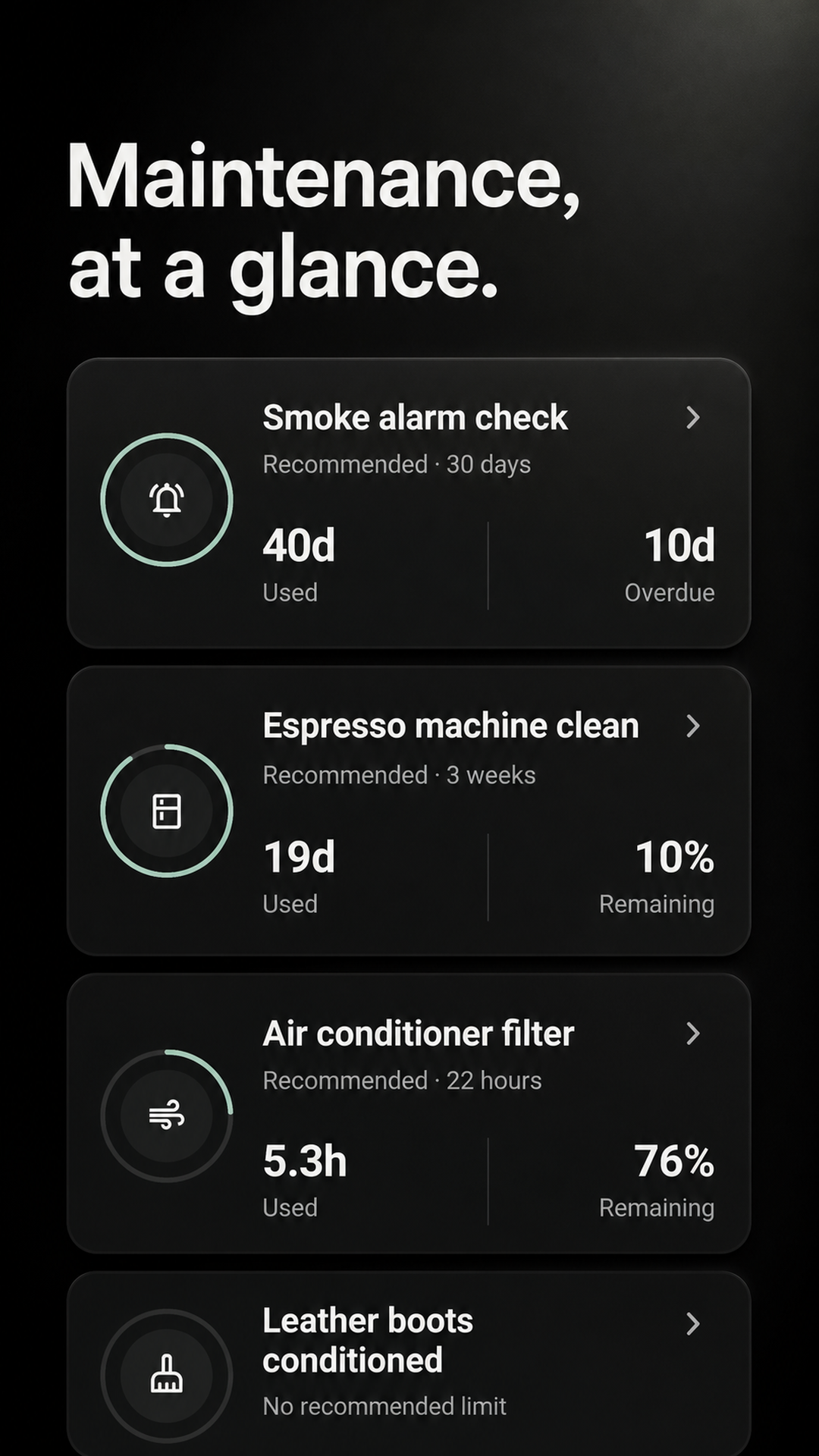
Replace the filter two weeks late and a fixed calendar keeps every future reminder two weeks early. Maintenance starts the next interval from the completion you record.
Finish a job late? The next interval starts when you actually mark it maintained—not from an old calendar date.
On-track, due-soon, and overdue states turn a scattered list into one clear view of what comes next.
Every completion stays recorded, so you can check when the filter, alarm, or appliance was last maintained.
Simple by design
Begin with a real job you already do. Give it a name and repeat interval, then Maintenance keeps the timing visible.
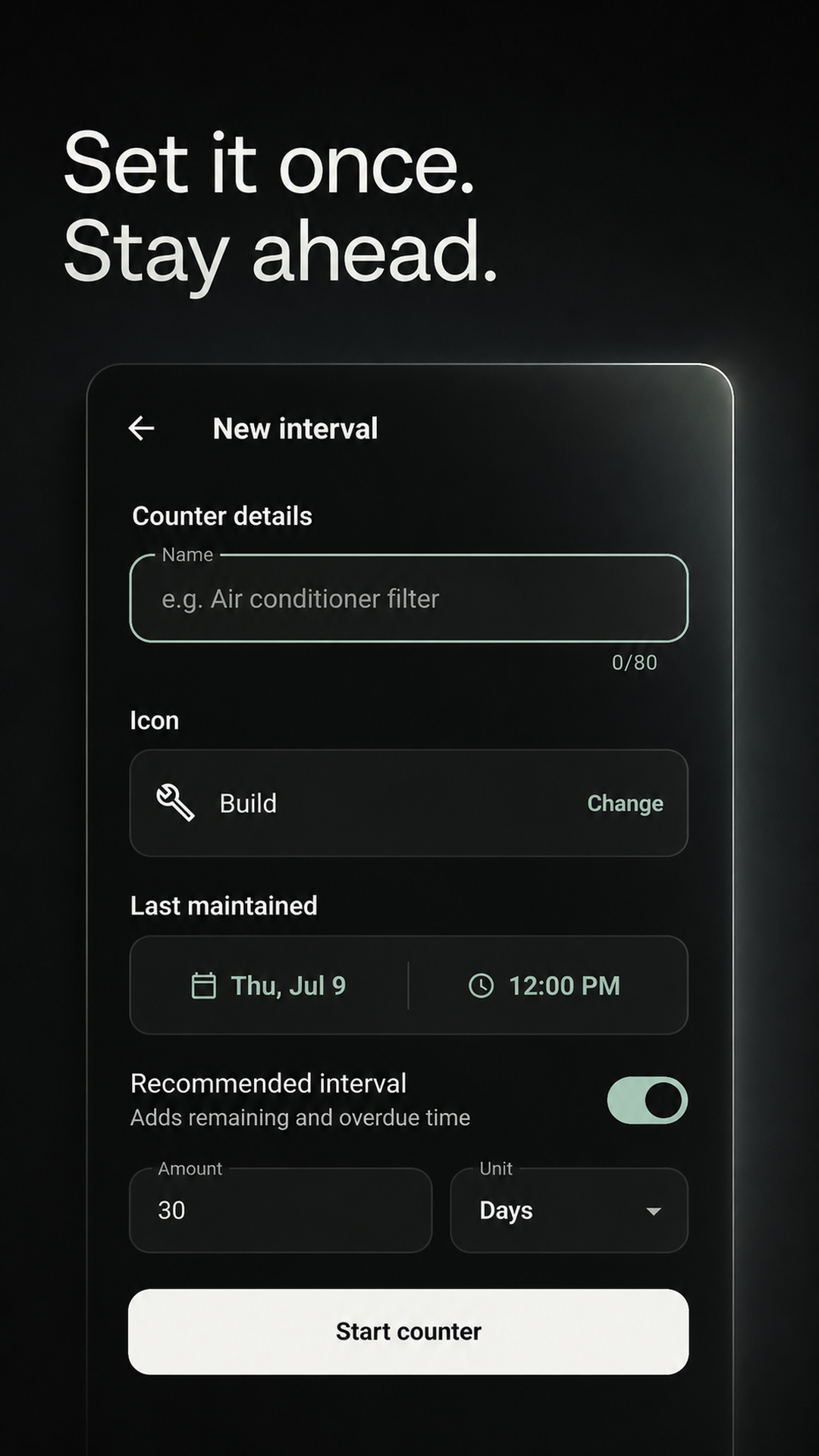
Name one recurring job and choose how often it should come around.
The board shows how much time is used, remaining, or overdue.
The completion is recorded and the next interval begins automatically.
Built for real homes
Start with the maintenance that already lives in your memory, calendar, notes, or on the side of a filter.
See the HVAC and furnace filter reminder guideSee the water filter replacement reminder guideSee the smoke alarm test reminder guideSee the shared home maintenance guideSee the home maintenance log guideLooking for a Centriq alternative?Replace a home maintenance spreadsheetSee the appliance maintenance reminder guideBuild a cleaning schedule for recurring choresUse Maintenance for repeatable gaming jobsKeep your car-care jobs on trackKeep your plant-care routines on trackKeep everyday pet-care jobs from slippingRemember your beauty and self-care routinesKeep recurring workplace checks visibleGET MAINTENANCE FREECreate your first activity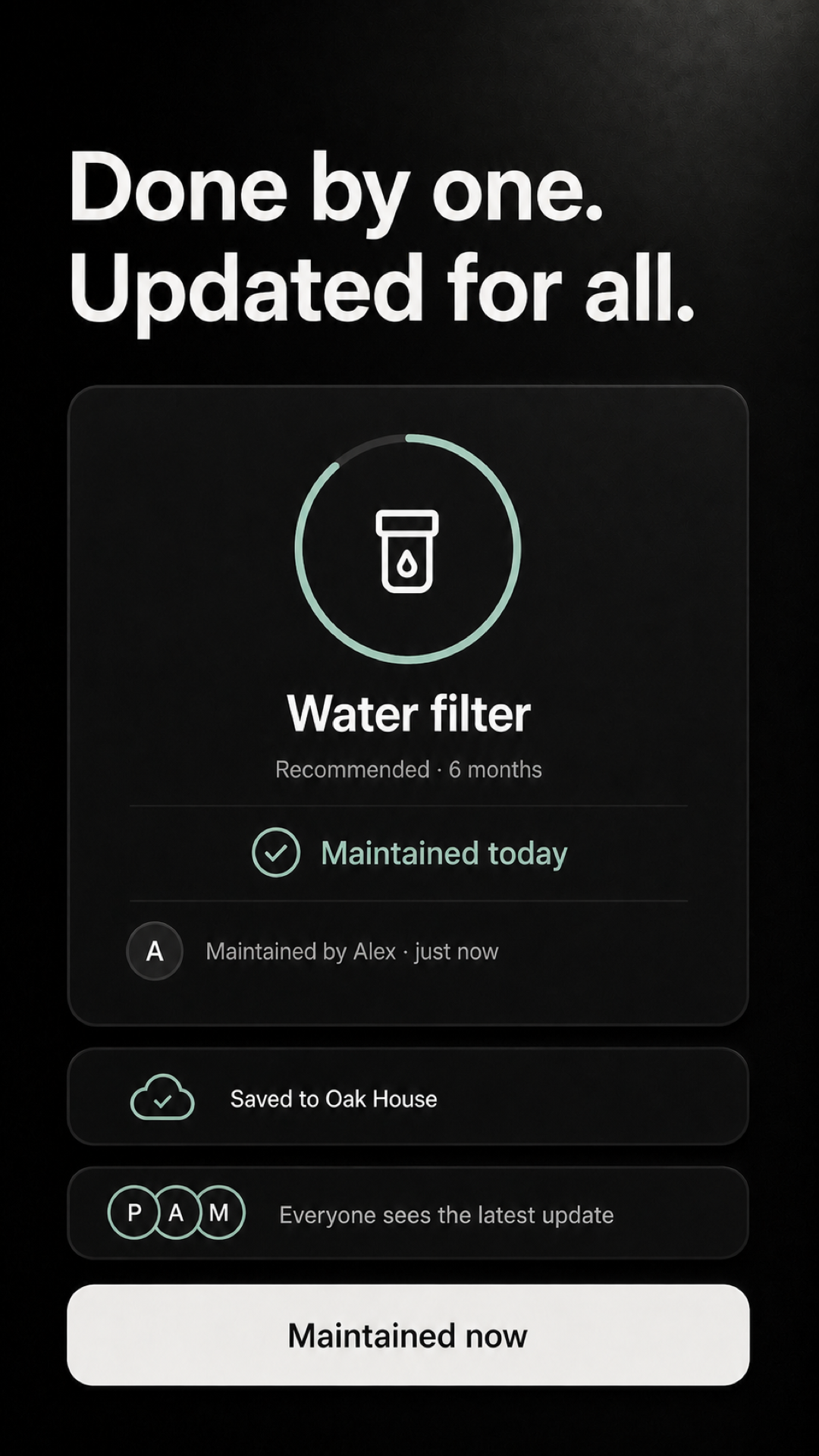
Optional shared Home
Invite the people you live with, assign recurring jobs, and keep one completion history instead of asking who changed what.
Good to know
Yes. The Android app is free right now, with no ads and no payment required to start tracking maintenance.
Calendar events repeat from a fixed date. Maintenance records when the job was actually completed and starts the next interval from there.
Personal maintenance intervals work locally and offline. Cloud sync and a shared Home are optional.
DataRiver OÜ publishes dedicated support information and a privacy policy for its applications.
Start with one thing
Start with a filter, alarm, appliance, or seasonal job. Add the rest only when they matter.
GET MAINTENANCE FREECreate your first activityAvailable for Android on Google Play.