
Keep it due until you do it
A forgotten claim or clear stays visible as due or overdue instead of disappearing with a dismissed notification.
Repeatable game reminders for Android
Maintenance is an open interval tracker. Use it for the game jobs you choose—daily rewards, resource runs, crafting cycles, or weekly clears—and keep each one visible until it is actually done.
For the task outside the game
Add only the recurring jobs you care about. Maintenance does not try to become another game dashboard—it keeps a small due list and the completion history behind it.
A forgotten claim or clear stays visible as due or overdue instead of disappearing with a dismissed notification.
Finish late and the next interval begins when you actually mark the job complete—not from the old due time.
Keep exact completion dates and optional notes in a 26-week history for every gaming task you add.
Try it with one game
Start with the one reward or run you actually miss. The same open interval model works for hours, days, or weeks.
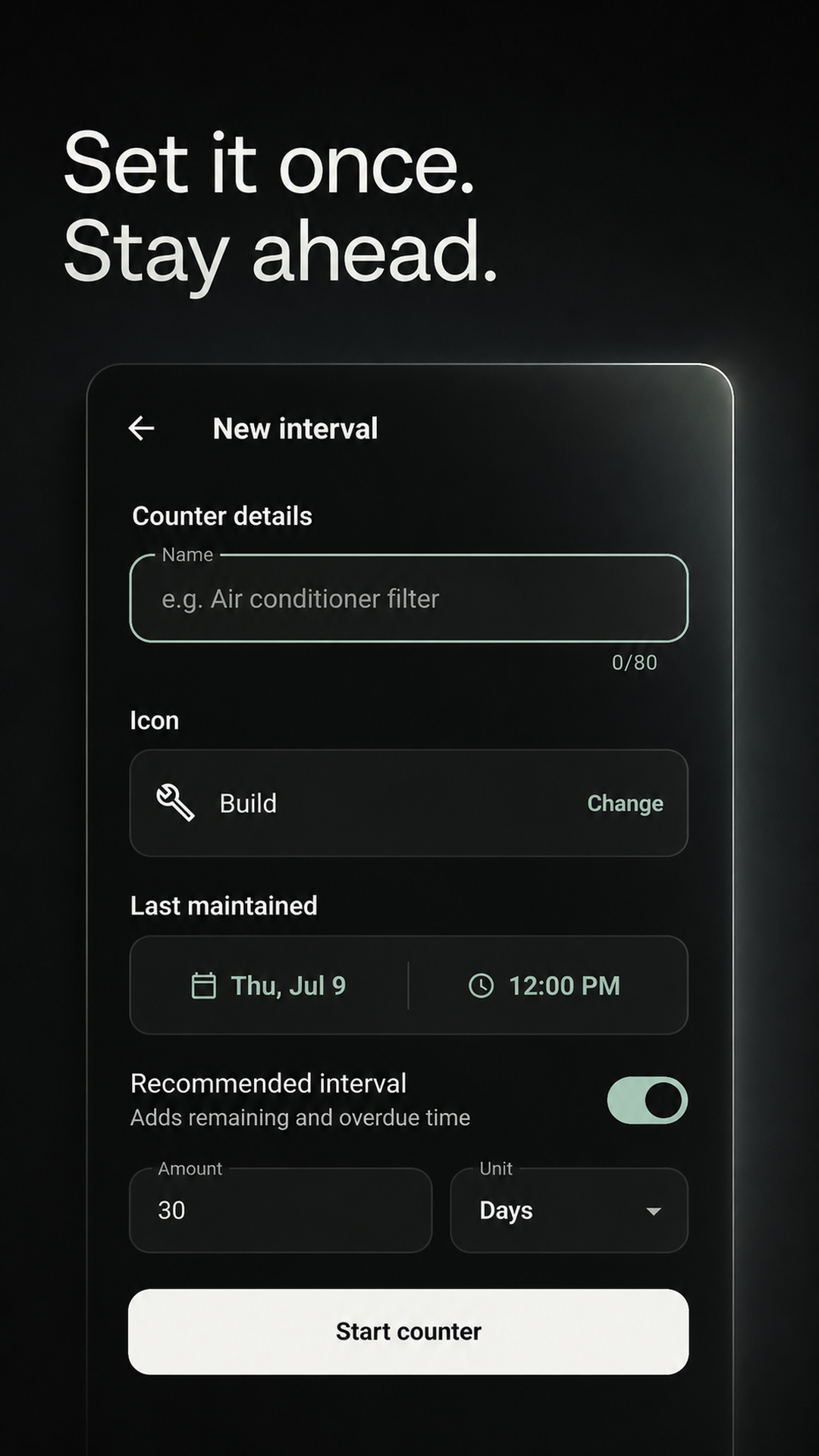
Add “Claim daily rewards,” “Collect crafted items,” or your own wording.
Set hours, days, or weeks and optionally enable a quiet reminder.
The completion is saved and the next interval starts from that moment.
Your game, your labels
These are examples, not built-in game templates. You supply the wording and interval that make sense for the game you play.
Before you install
Add the recurring jobs you care about: reward claims, resource runs, crafting cycles, weekly clears, or your own routine.
Yes. Every item can repeat in hours, days, or weeks, with its own optional reminder and recent completion history.
Yes. Add separate intervals with names that identify each game and job. The app does not import or group them automatically.
Maintenance is a simple manual reminder and history app. It does not connect to a game account or read its server clock. The next interval begins when you mark the job complete.
This is the same flexible Android release used for home upkeep, so actions currently use wording such as “Maintained now.”
Try one loop
Add one daily or weekly job and see whether a completion-relative reminder earns a place beside the game you already play.
GET IT FREE ONGoogle PlayFree for Android on Google Play. No payment required.