
One shared view
Put recurring home jobs in one Home so everyone sees the same due, overdue, and completed state.
Shared home maintenance app for Android
Invite a partner, roommate, or family member, assign recurring maintenance, and keep one shared record of what was actually done.
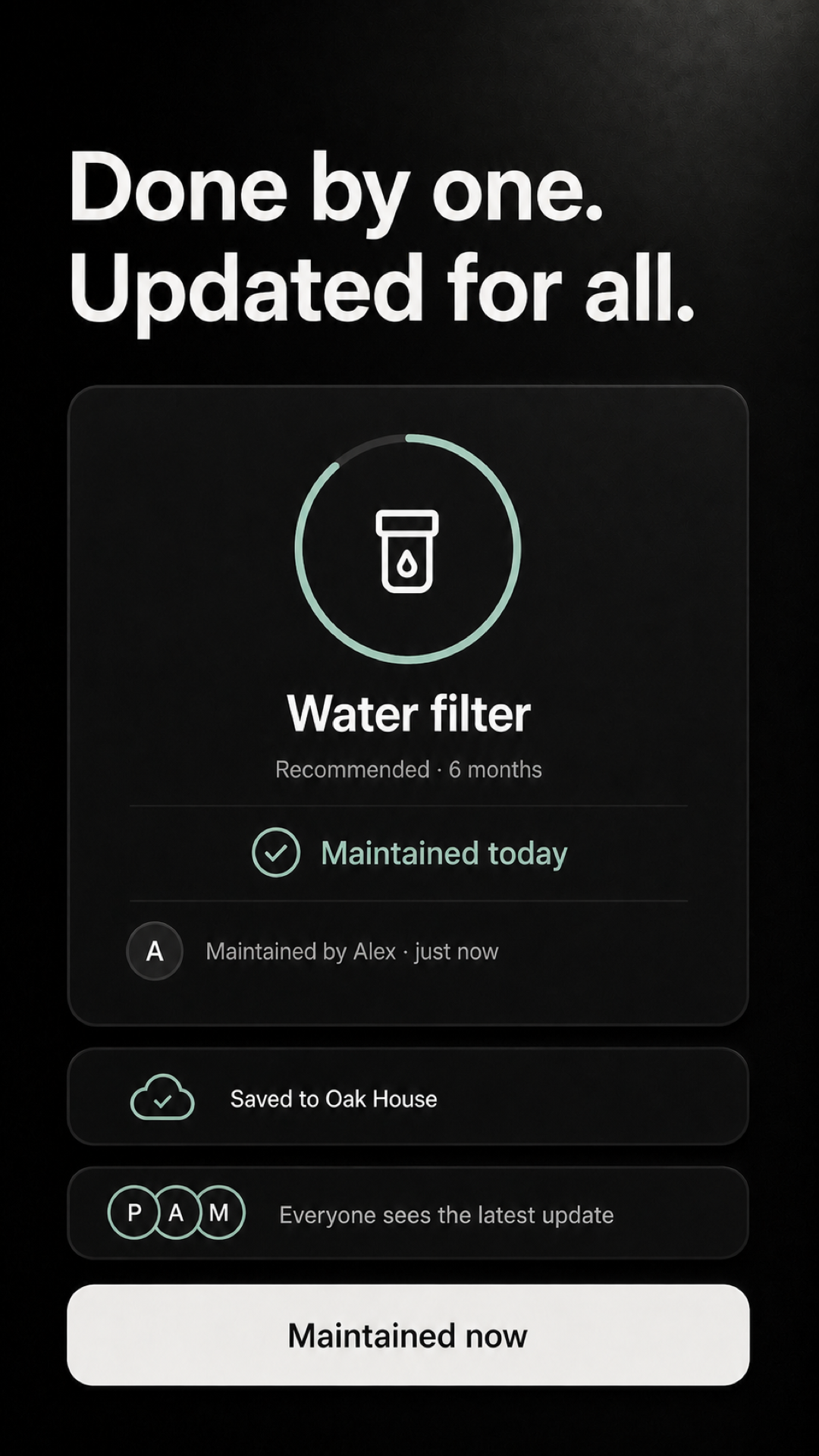
Put recurring home jobs in one Home so everyone sees the same due, overdue, and completed state.
Assign a shared task to a Home member instead of leaving everyone to wonder who planned to do it.
See who completed or reassigned a shared task and when, without another check-in message.
Three small steps
Sharing is optional. Start locally for yourself, then create a Home only when another person needs the same maintenance record.
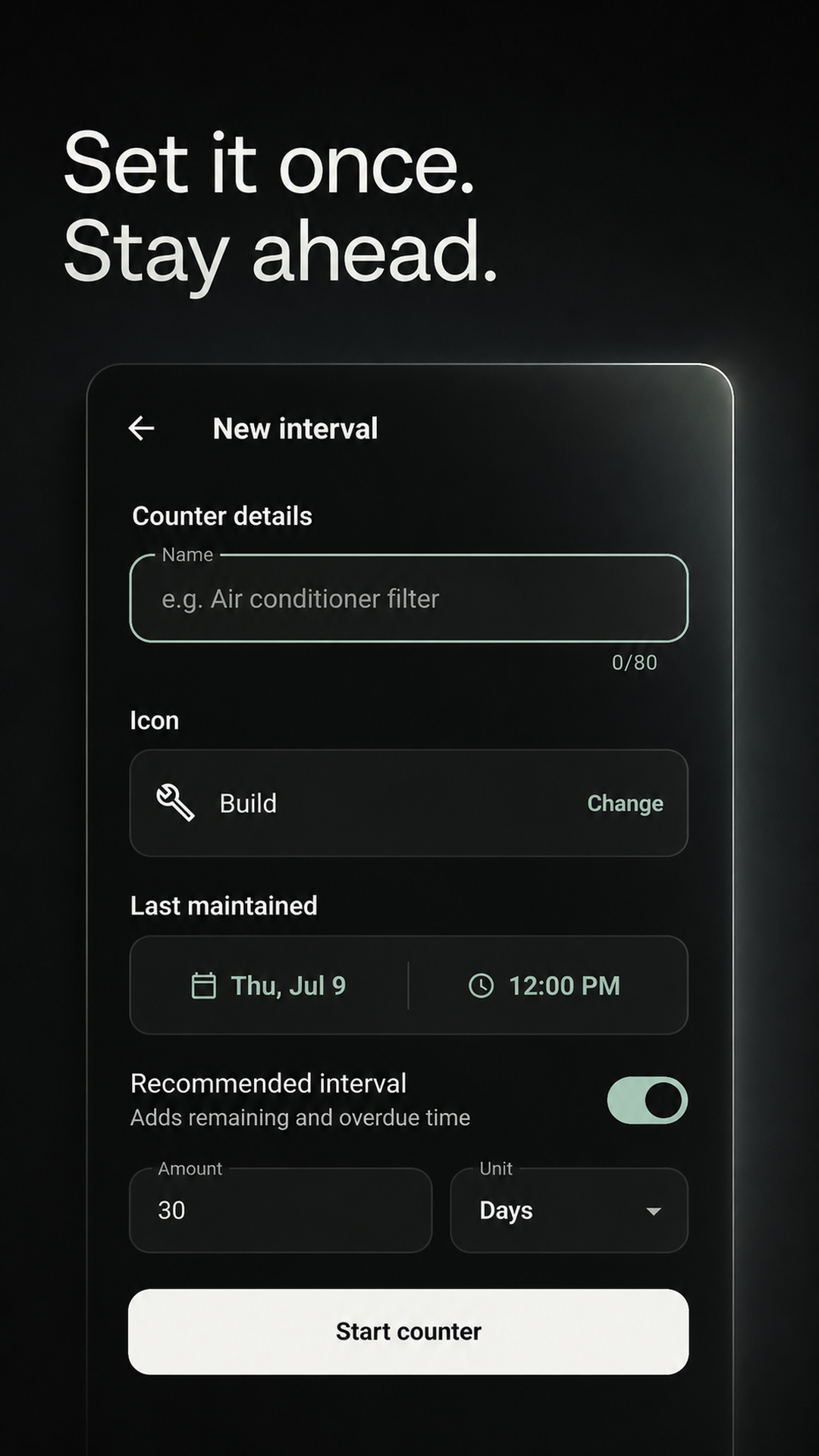
Use a Home for the recurring maintenance everyone needs to see.
The person you live with can use the link to join that Home.
See the owner, completion, and next interval in the same place.
Made for people sharing a place
Use the shared Home for joint maintenance and keep unrelated personal intervals separate.
Share the recurring jobs you both care about without turning them into another chat thread.
Make ownership visible for the filters, alarms, appliances, and shared spaces everyone uses.
Keep one household record even when different people handle different recurring jobs.
Shared Home records are visible to Home members, while personal tracking can stay separate.
Maintenance coordinates recurring maintenance. It is not a household chat, general calendar, contractor marketplace, or emergency alert service. Changes made offline sync after the device reconnects.
Before you install
Invite a partner, roommate, family member, or anyone else who shares responsibility for the same home.
Create a shared Home and send its one-time invite link. The person uses that link to join the Home in Maintenance.
Yes. Shared task history records who completed or reassigned the task, along with the completion timing.
Yes. Personal tracking can stay separate. Only put tasks in the shared Home when Home members need to see them.
You can use Maintenance offline. Shared changes sync after the device reconnects, so another device may not see an offline update immediately.
Not currently. Maintenance is available for Android through Google Play.
Start with one shared job
Add the recurring job that causes the most household guesswork, invite the other person, and keep its next due date in one place.
GET IT FREE ONGoogle PlayAvailable for Android on Google Play.