
Keep the real date
Every completion records when the work happened, including an earlier date you choose within the 26-week window.
Home maintenance log app for Android
Record each completion, add a note when it matters, and check a chronological 26-week log instead of guessing from the next due date.
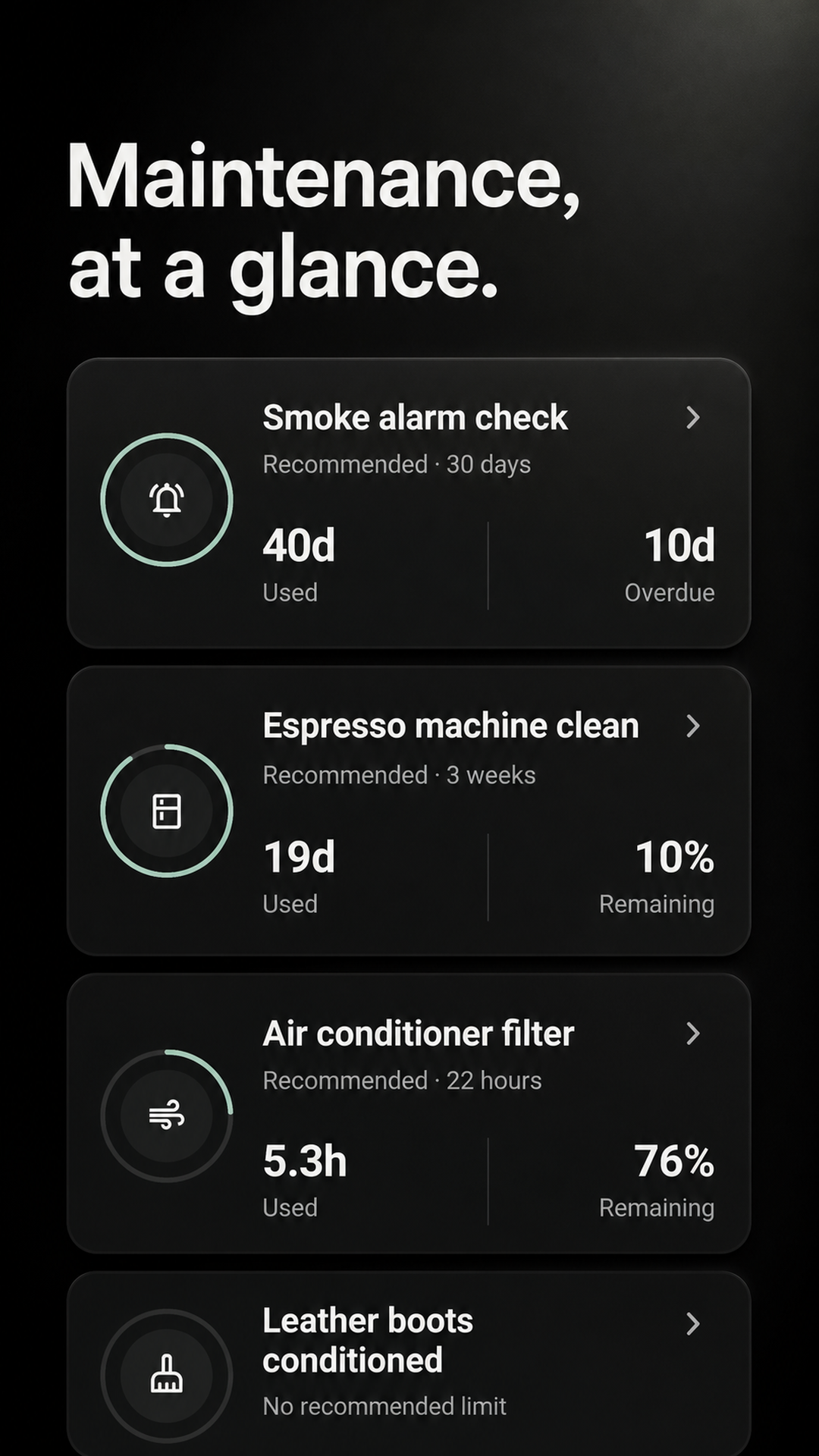
The date behind the reminder
Maintenance keeps the completion event behind every reset. Open the activity view when you need the date, time, person, or note—not just the current countdown.
Every completion records when the work happened, including an earlier date you choose within the 26-week window.
Attach an optional note when you complete a job so the log carries the small detail you will need later.
View the whole activity log or narrow it to one filter, alarm, appliance, or other recurring task.
A log created by doing the work
The history is part of the maintenance flow. You do not need to maintain a second spreadsheet after finishing the job.
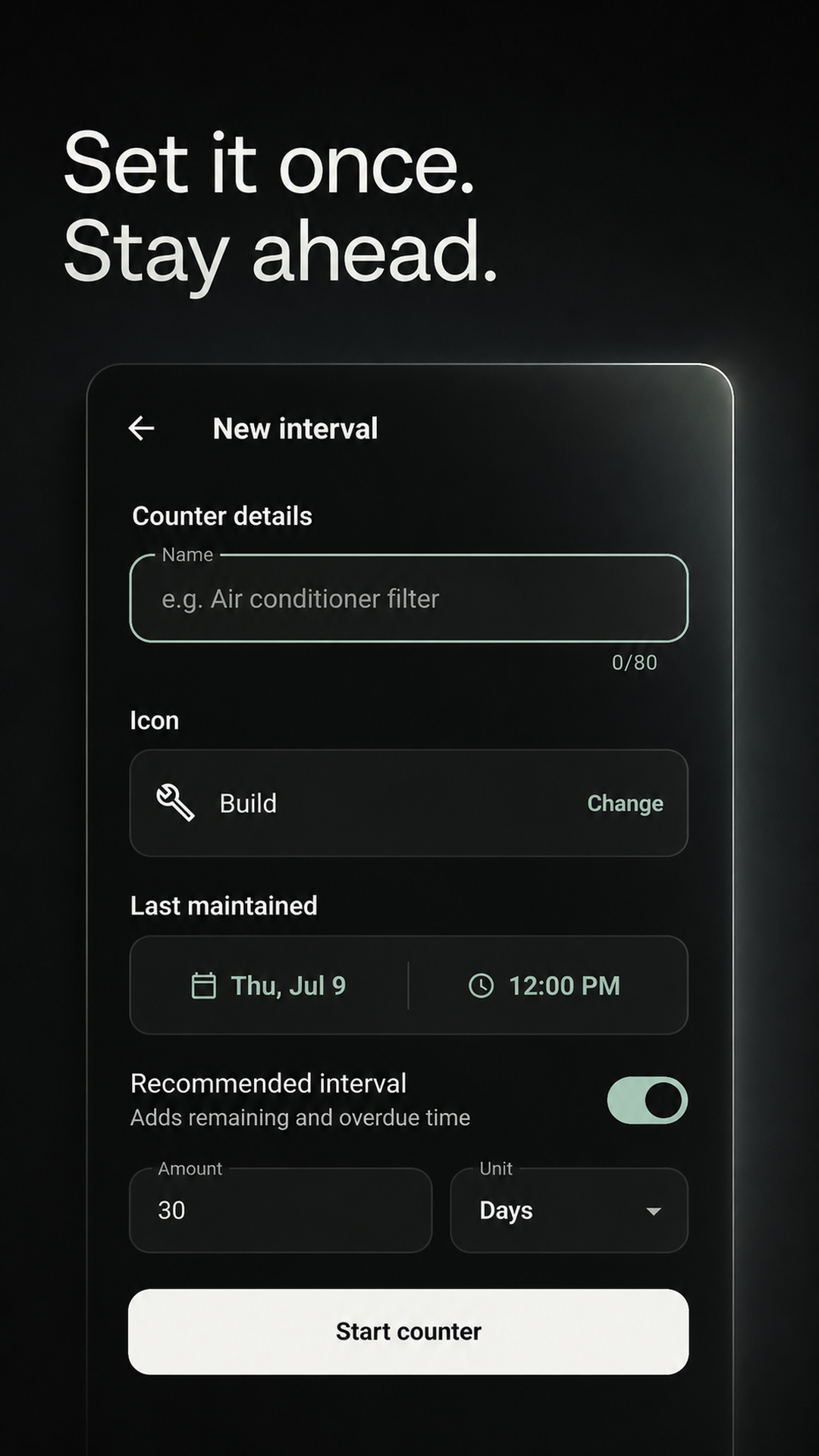
Choose its last maintained date and the interval you want to track.
Choose the real completion time and add an optional note.
Review the activity timeline or filter it to one interval.
Useful around a real home
Use the log for recurring care where the last completion matters more than a generic checked box.
Check the last real replacement date instead of decoding a sticker or repeating calendar event.
Keep a dated record of the checks you mark complete without claiming the app tested the device.
Record recurring cleaning or service work and see the next interval from the date it was done.
Log the work even when it happened late, so the following reminder does not drift from reality.
Maintenance keeps a focused 26-week activity log for recurring care. It is not a receipt, manual, warranty, inventory, contractor, or permanent property-record archive.
Before you install
The Maintenance history view covers the previous 26 weeks and includes an activity heatmap plus a chronological event list.
Yes. When recording maintenance, choose an earlier date and time within the supported 26-week window.
Yes. Each completion can include an optional note, which appears with that event in the activity log.
Yes. Filter the history to one interval, or leave the filter on all intervals for the whole maintenance view.
No. Maintenance is deliberately focused on recurring intervals, completion timing, and short notes rather than document storage.
Personal maintenance works locally and offline. An account is useful for private cross-device sync or an optional shared Home.
Start with one recurring job
Add the job whose last completion you always forget. The next time you do it, Maintenance will keep the event and reset the interval.
GET IT FREE ONGoogle PlayAvailable for Android on Google Play.