
Know the last check
Keep the real test or battery-change date and a completion history instead of guessing from memory.
Smoke alarm test reminder for Android
Record the day you test each alarm or change a battery, see what is due next, and keep missed checks visible until they are really done.
No calendar drift
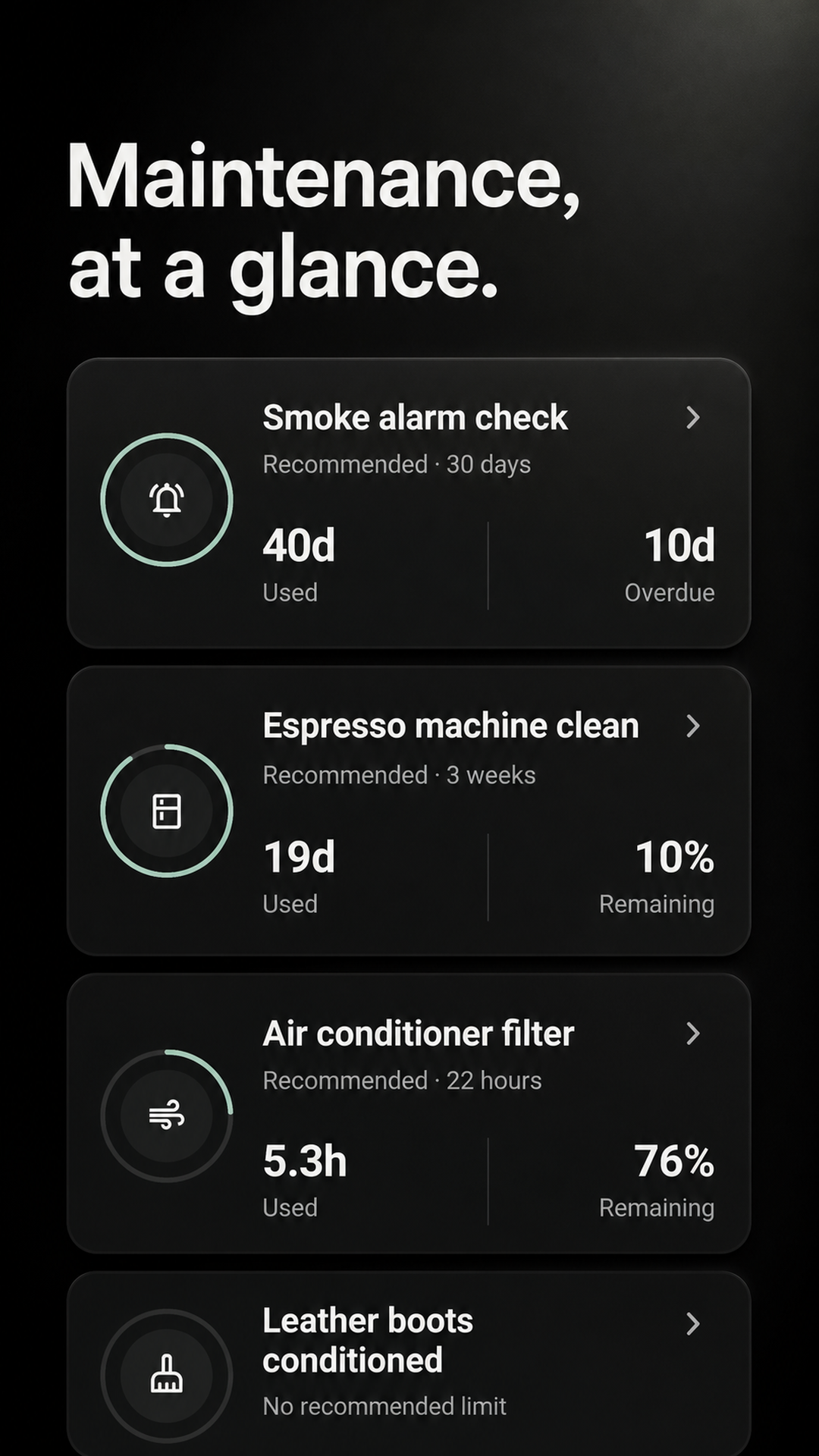
A fixed calendar repeats whether you checked the alarm or not. Maintenance records the task you completed and starts the next interval from that real date.
Keep the real test or battery-change date and a completion history instead of guessing from memory.
A check stays on the due or overdue board until you actually mark the work complete.
Complete a check late and the next interval begins that day—not from the date you missed.
Three small steps
Maintenance does not prescribe a test schedule. Choose the interval required by your alarm manufacturer and local authority.
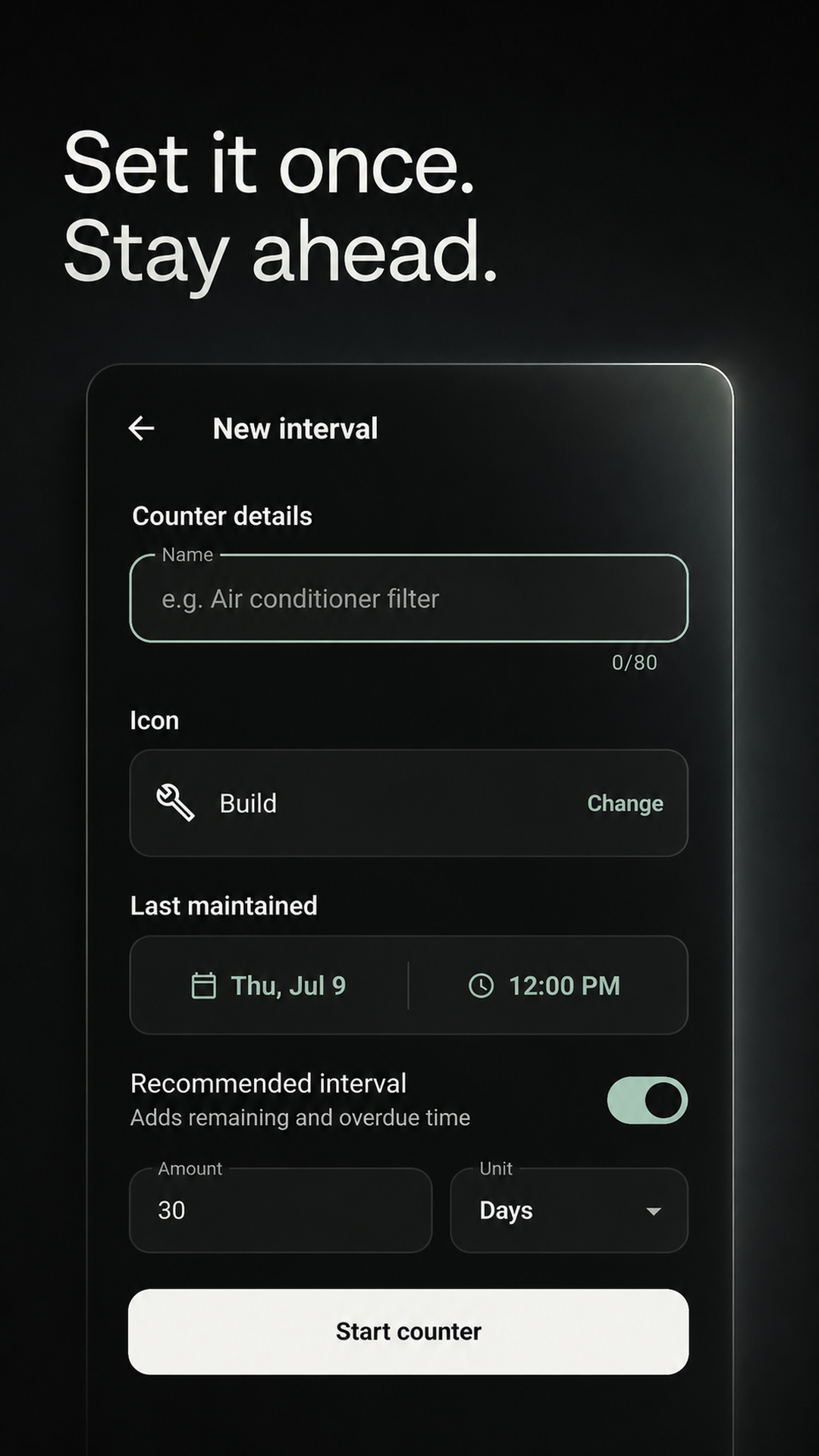
Name it by location and action, such as “Test hallway alarm.”
Use your device instructions and applicable local guidance.
The completion is logged and the next interval begins immediately.
One app, separate reminders
Add only the checks and battery tasks that apply to your home. Each can have its own name, interval, last completion, and history.
Give hallway, bedroom, basement, and other alarms separate names so none disappear into one generic reminder.
If your alarm guidance calls for battery changes, track that work separately from routine tests.
Create distinct reminders for smoke, carbon-monoxide, or combined units according to their own instructions.
See when a task was marked complete without relying on a note stuck beside the alarm.
Maintenance is a reminder and record-keeping tool. It does not test, monitor, certify, or replace a smoke or carbon-monoxide alarm. Follow the device manufacturer and your local fire-safety authority.
Before you install
Requirements can vary by alarm model and location. Follow the instructions supplied with the device and guidance from your local fire-safety authority, then track that interval in Maintenance.
Yes. Add separate tasks for each location or device so every check can keep its own interval and completion history.
Yes. Create one recurring task for testing and another for a battery change if that matches the instructions for your alarm.
No. The app records the task you mark complete. It cannot detect, test, monitor, or certify an alarm.
Personal intervals work locally and offline. Cloud sync and a shared Home are optional.
Start with one alarm
Add the alarm task you do not want to forget, choose its interval, and let Maintenance keep the timing in view.
GET IT FREE ONGoogle PlayAvailable for Android on Google Play.