
No due-date formulas
Choose an interval once. Maintenance calculates what is on track, due soon, or overdue.
Home maintenance spreadsheet alternative for Android
Add each recurring home job once, see what needs attention, and let the next interval begin when the work is actually completed.
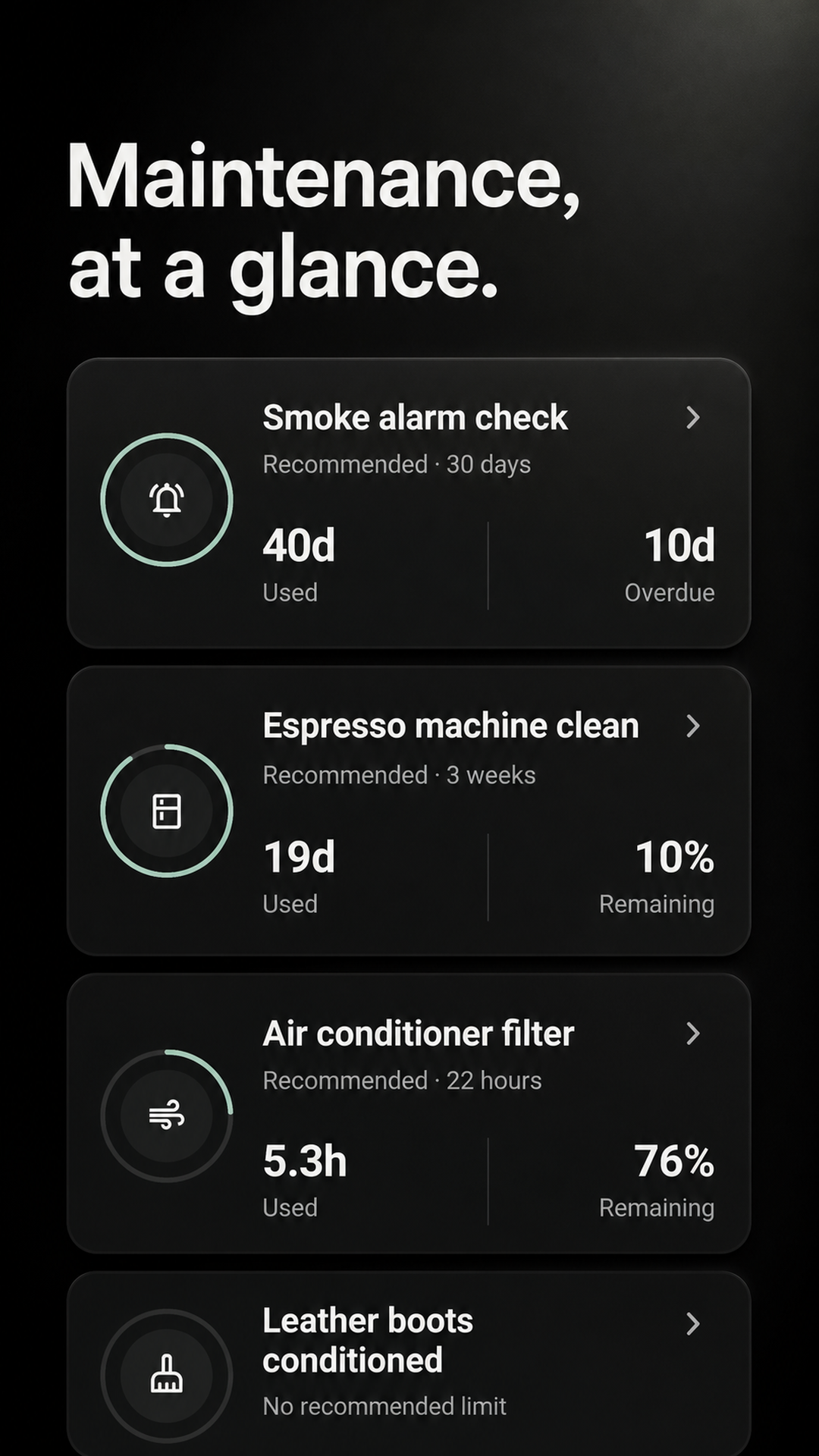
A live interval, not another row
A sheet can calculate the next due date, but you still have to open it, update the completed row, and keep every formula intact. Maintenance turns each row into a due state and resets it with one completion.
Choose an interval once. Maintenance calculates what is on track, due soon, or overdue.
Finish late and the next interval starts from the actual completion instead of the old spreadsheet date.
Review exact completion dates, optional notes, and shared activity from the previous 26 weeks.
Move one row first
There is no spreadsheet import. Start with one filter, safety check, or appliance job and decide whether the simpler workflow earns the rest.
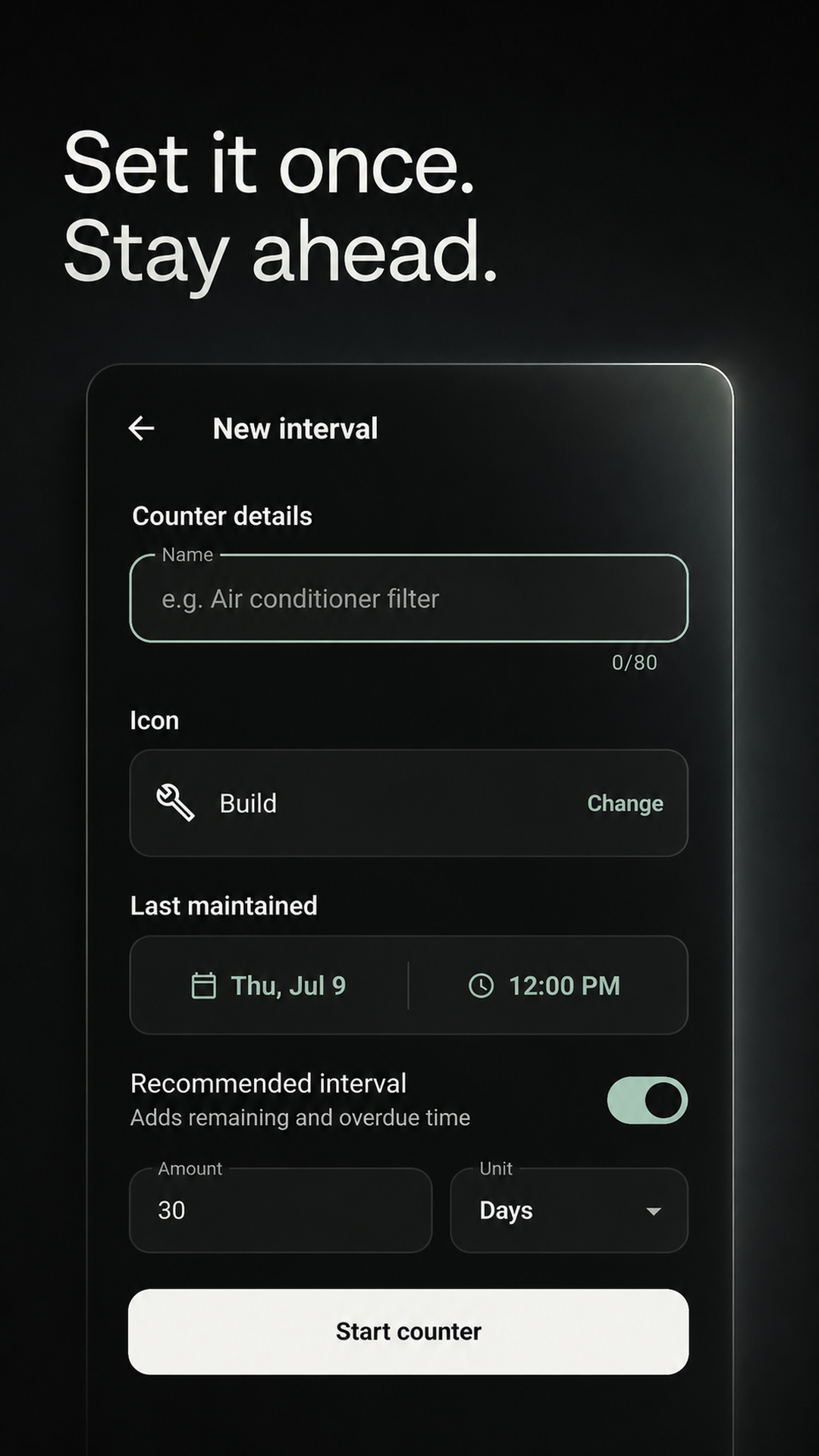
Add the job name, last completion, and repeat interval—not the whole sheet.
Open one list for on-track, due-soon, and overdue work.
Record the work and an optional note; the next interval starts automatically.
Keep the sheet if you need the sheet
Maintenance is for recurring timing and recent completion history. Keep your spreadsheet if it is also your financial, inventory, or permanent property record.
The current Android release does not provide this spreadsheet feature.
The current Android release does not provide this spreadsheet feature.
The current Android release does not provide this spreadsheet feature.
The current Android release does not provide this spreadsheet feature.
You choose the maintenance jobs and intervals. The app does not inspect your home or generate a complete property-specific checklist.
Before you switch
No. Maintenance does not import Excel, Google Sheets, or CSV files. Add the recurring jobs you want to track manually.
No. The current release does not provide spreadsheet or CSV export. Keep your sheet if portable tabular records are required.
The recurring-maintenance part: interval calculations, due and overdue status, completion-based resets, reminders, and recent completion history.
The activity view covers the previous 26 weeks, with exact completion dates, optional notes, and per-task filtering.
No. Personal intervals work locally and offline. An account is useful for private cross-device sync or an optional shared Home.
Yes. Create an optional shared Home, invite another person with a one-time link, assign work, and see who completed it.
Try one interval
Add the recurring job whose formula or next-due date you update most often. Keep the rest of the sheet until the app proves useful.
GET IT FREE ONGoogle PlayFree for Android on Google Play. No payment required.