
Recurring reminders
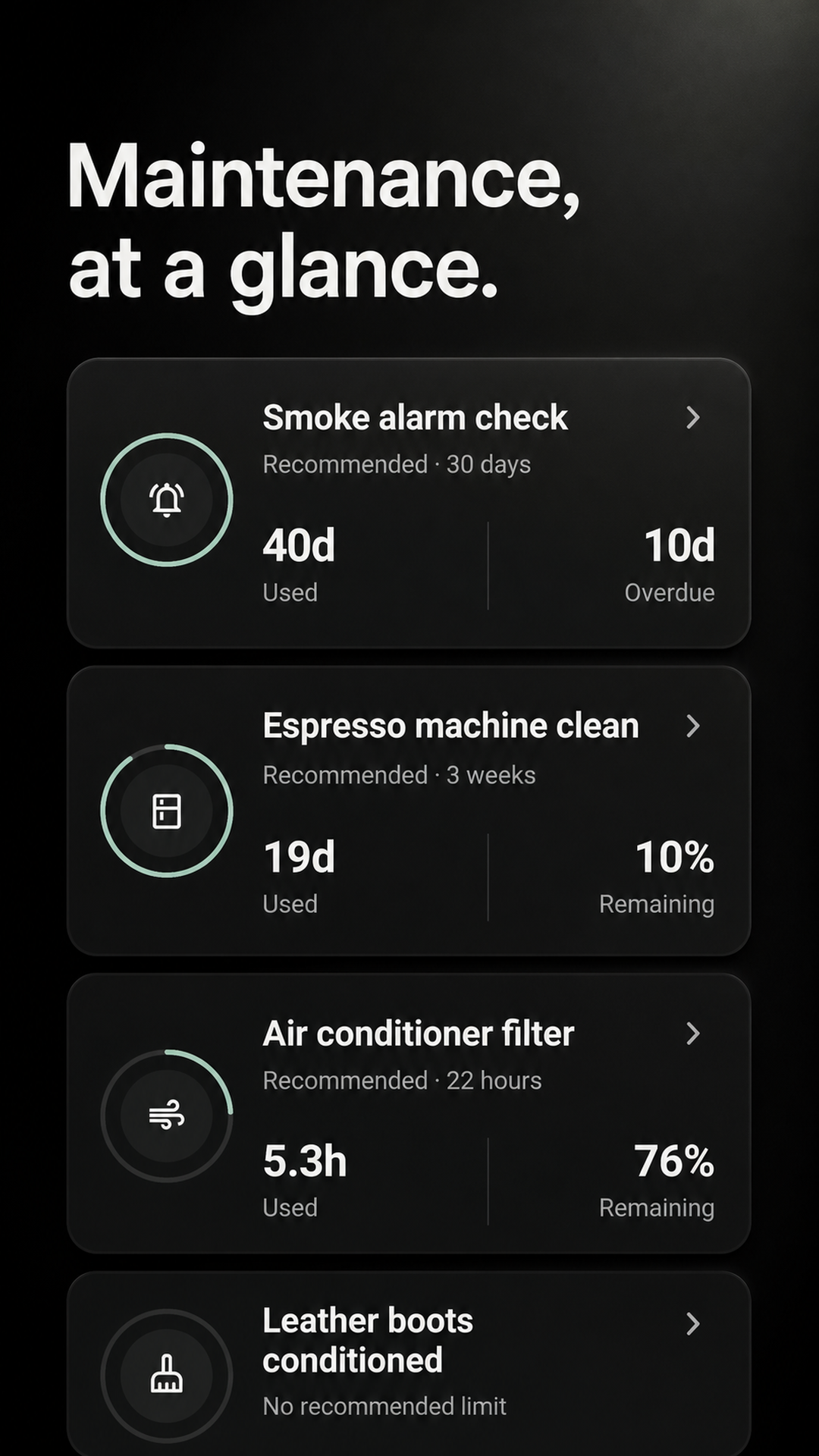
Create your own intervals and see which home jobs are on track, due soon, or overdue.
Centriq alternative for Android
Maintenance is a lightweight Android app for recurring home jobs: see what is due, record when it was done, and keep the next reminder tied to the real completion date.
An honest, narrower replacement
Centriq combined appliance records, manuals, and maintenance. This app replaces only the recurring-maintenance workflow. If manuals, warranties, or inventory were your main reason for using Centriq, choose a fuller home-management app instead.
Create your own intervals and see which home jobs are on track, due soon, or overdue.
Mark the work complete and the next interval starts from the date it was actually done.
Review completion dates, optional notes, and who completed shared work during the last 26 weeks.
Rebuild only what you need
There is no Centriq import. Add the maintenance tasks you still care about, then let the due board and completion history take over.
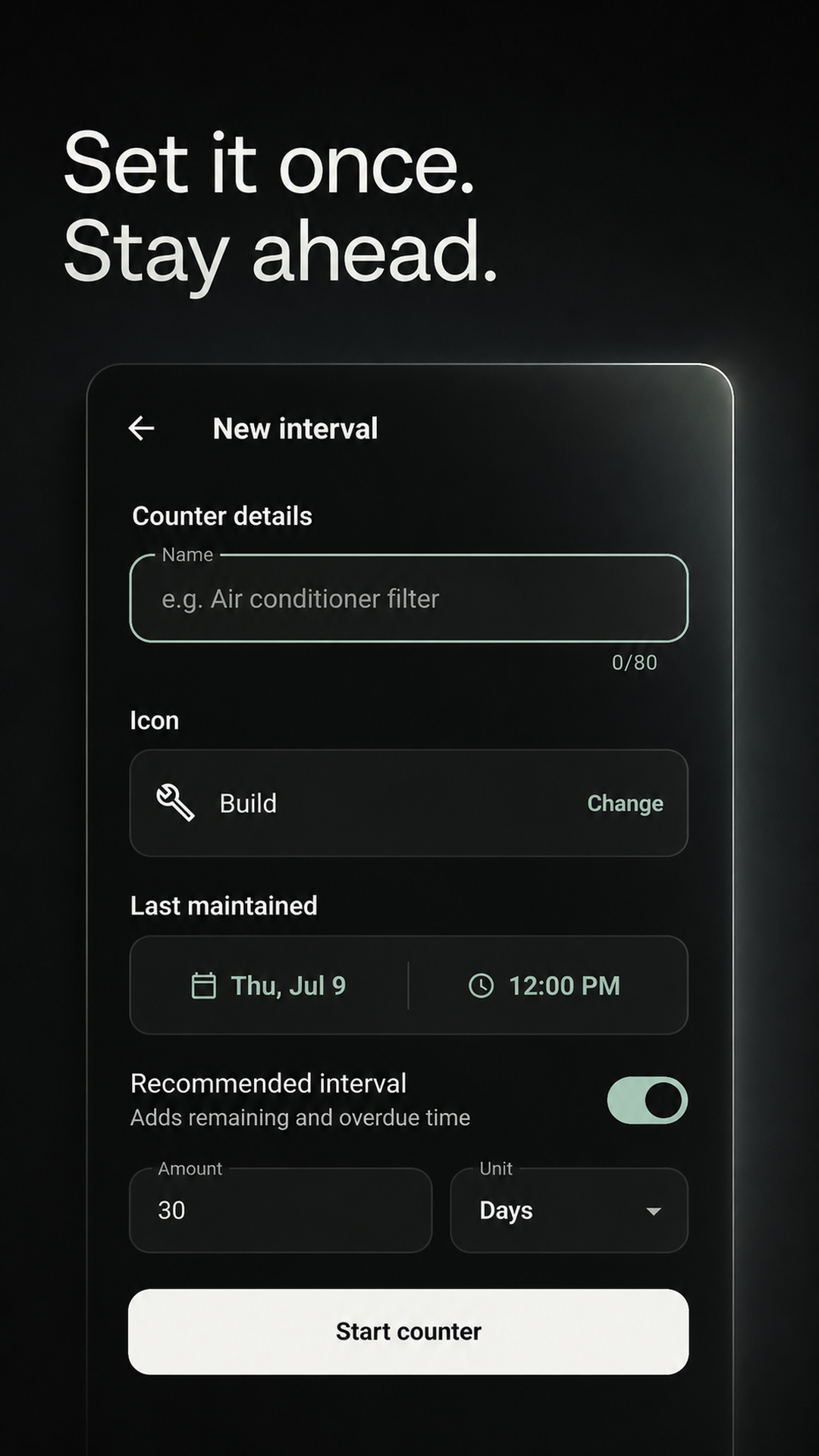
Name it, choose its last completion date, and set any repeat interval.
See upcoming and overdue work without rebuilding a full appliance inventory.
Save the date and an optional note; the next interval begins automatically.
What you will not find here
Maintenance stays focused on intervals, due status, and completion history so you can begin without cataloguing everything you own.
Choose a dedicated home inventory or document app if this is essential.
Choose a dedicated home inventory or document app if this is essential.
Choose a dedicated home inventory or document app if this is essential.
Choose a dedicated home inventory or document app if this is essential.
Maintenance is an independent DataRiver app and is not affiliated with, endorsed by, or a migration partner of Centriq.
Before you install
Yes. The current Centriq website says the app has shut down and directs former users to another home-management product.
No. Maintenance does not import Centriq exports or recover data from the former service. You add recurring jobs manually.
No. It does not scan nameplates, identify appliances, look up manuals, monitor recalls, or store warranty documents.
The recurring-maintenance part: custom intervals, due and overdue status, completion-based resets, recent history, and optional household sharing.
No for personal use. Your personal maintenance works locally and offline. Create an account only for private sync or a shared Home.
Yes. An optional shared Home lets people see assigned work and who completed it. Personal intervals can stay private.
Start small
Add one filter, safety check, or appliance-care job and see whether the focused workflow fits before rebuilding the rest.
GET IT FREE ONGoogle PlayFree for Android on Google Play. No payment required.